Help your Agile team collaborate better by transforming Jira into a shared collaboration environment.
eLearning Course👇
For Agile Teams - Better Collaborations in
Project overview > Watch video 👇
1. My Role & Team Structure
I served as the Instructional Designer, responsible for end-to-end design of the eLearning course —from analysis and learning strategy development to storyboarding, multimedia creation, content creation and Rise 360 development. I partnered closely with an Agile Coach, an HR Business Partner, and a Jira Solutions Specialist who provided subject-matter expertise. A project manager coordinated timelines and stakeholder reviews.


2. Design Tools & Course Format
To design and develop this 2-hour eLearning experience, I used a modern tool stack that supported iterative design and multimedia integration:
Articulate Rise 360 – View full course here
Figma – Brainstorming, layout exploration, interaction flows
Notion – project planning and documentation
Miro – analysis synthesis, affinity mapping, learner personas
Articulate 360 Content Library – visual assets, icons, illustrations
ChatGPT – ideation support, copy enhancement, scenario writing
Pictory AI – short content & intro presentation videos
This combination enabled rapid prototyping, responsive design, and a polished final product.

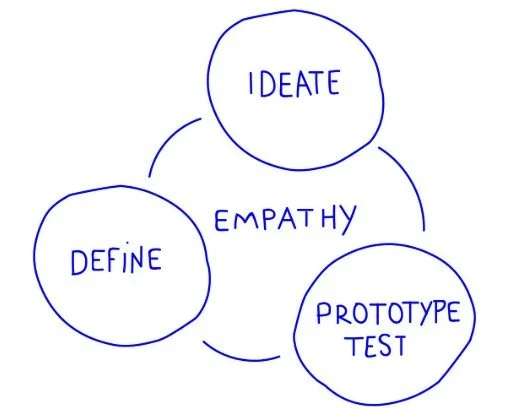
This project blended ADDIE, Design Thinking, and Gagné’s Nine Events of Instruction to create a structured yet human-centered learning experience.
3. The Problem
During the analysis phase, it became clear that project managers were not using Jira as a collaborative agile tool. Instead of fostering transparency and shared ownership, Jira was being used as a mechanism of control—PMs restricted access, made manual updates, and treated Jira primarily as a reporting tool. This created bottlenecks, reduced communication, and caused emotional strain across teams. Over time, these behaviors contributed to burnout, frustration, and weakened collaboration between PMs, designers, and engineers.
The instructional initiative aimed to transform Jira from a control-oriented system into a shared collaboration environment, encouraging transparency, delegation, and team ownership.
5. Project Goals (Business Perspective)
The business sought to reduce project delays and improve cross-functional alignment by strengthening collaborative behaviors in Jira. Leadership aimed to increase transparency across teams, reduce communication bottlenecks, and improve project predictability through accurate and shared workflow data. Additionally, the company wanted to decrease emotional strain caused by siloed processes and improve employee engagement scores. This training supported the broader organizational goal of maturing agile practices to increase delivery quality and team cohesion.

6. Learner & Business Needs Analysis
To understand the root causes, I conducted a multi-layered analysis that included empathy interviews, Jira usage analytics, HR engagement data, and expert input from Agile Coaches. The findings revealed:
PMs were not struggling with the technical use of Jira, but with the mindset and behaviors required for collaborative agile work.
Tool adoption had been informal and inconsistent across teams.
Learners wanted hands-on practice, scenario-based guidance, and real examples of collaboration done well.
Fear of losing control and uncertainty about permissions contributed to restricting team access.
External research from Atlassian, PMI, and Agile Alliance validated these findings and confirmed that tool misuse often stems from unclear mental models and insufficient collaboration training.


7. Empathize - Learner Personas
These personas revealed the performance gap and emphasized the need for training that balanced structure with shared team ownership.

Priya Desai – collaborative, people-centric, unsure how to use Jira to empower others.
Jordan Lee – efficiency-driven, structured, reluctant to delegate control.


8. Constraints & Challenges
Several constraints shaped the design approach. Teams used Jira inconsistently, creating technical variance that required the training to be adaptable and template-based. Project managers had limited availability due to active sprint cycles, making microlearning essential. These constraints informed a modular, flexible design that aligned directly with real-world time pressures and tool variability.

7. Define - Learning Objectives
The hybrid task analysis served as the foundation for establishing the instructional goals and learning objectives of this training program. It defined both the conceptual understanding (topic analysis) and procedural skills (process analysis) that project managers needed to develop to use Jira as a true agile collaboration tool rather than a control mechanism.
LO1: PMs will accurately explain core agile collaboration principles and their relevance to Jira workflows.
LO2: Given a simulated project setup scenario, PMs will configure a new Jira project and assign appropriate permissions with no critical errors.
LO3: PMs will create Jira tasks using collaborative features (comments, mentions, shared boards) with at least 90% accuracy.
8. Design Process
This project blended ADDIE, Design Thinking, and Gagné’s Nine Events of Instruction to create a structured yet human-centered learning experience.
Analyze (ADDIE) + Empathize/Define (Design Thinking)
I used interviews, personas, data analysis, and SME consultations to define learner needs and understand emotional barriers around delegation and transparency.
Design (ADDIE) + Ideate/Prototype (Design Thinking)
Using Rise 360, Figma, and Miro, I mapped content flow, created storyboards, and aligned each lesson with Gagné’s Nine Events. Events like gaining attention, presenting content, eliciting performance, and providing feedback guided the sequencing of micro-lessons.
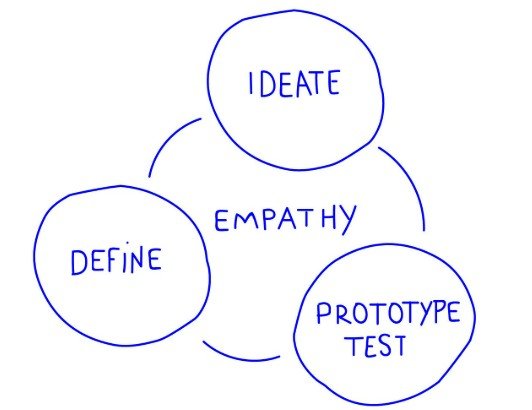
Develop (ADDIE) + Test (Design Thinking)
I built Rise 360 prototypes including scenarios, interactions, and multimedia assets, then conducted rapid iteration cycles with SMEs.Implement & Evaluate (ADDIE)
The final course included built-in assessments, scenario-based practice, and reflection points designed to measure knowledge transfer and behavioral change.
Presenting the Content / Multimedia Strategy
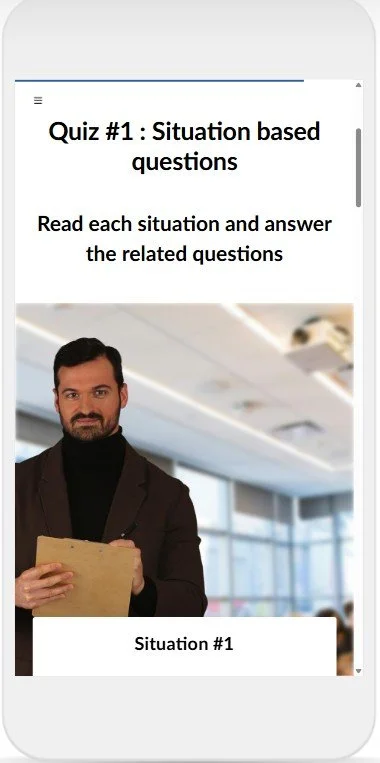
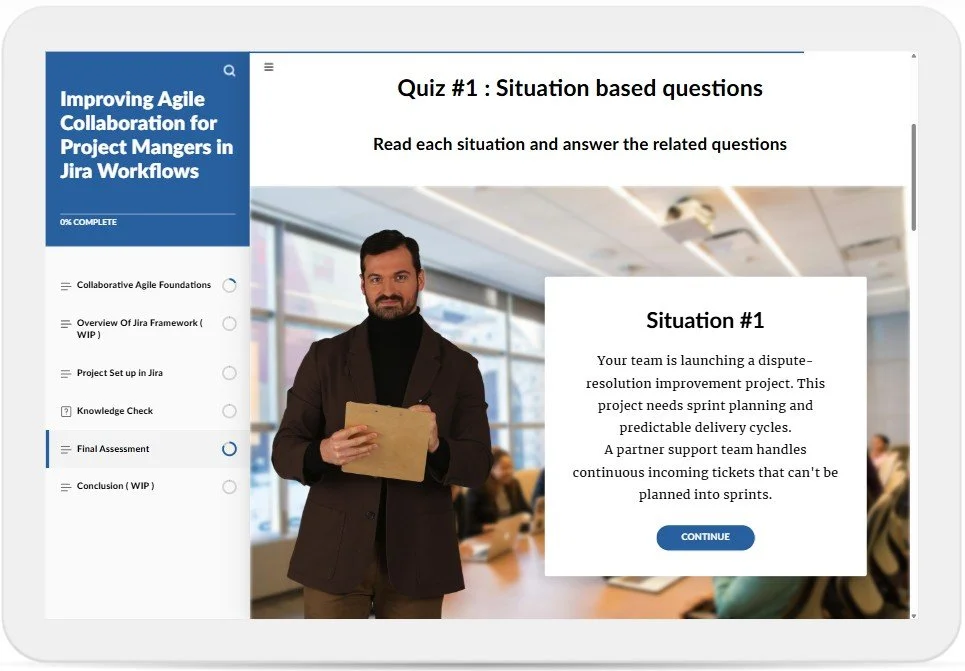
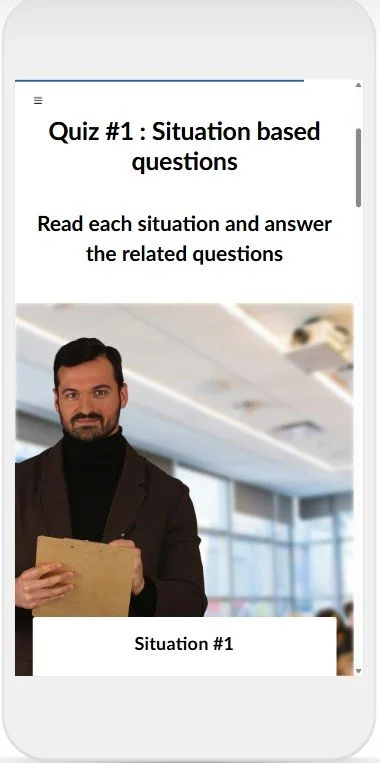
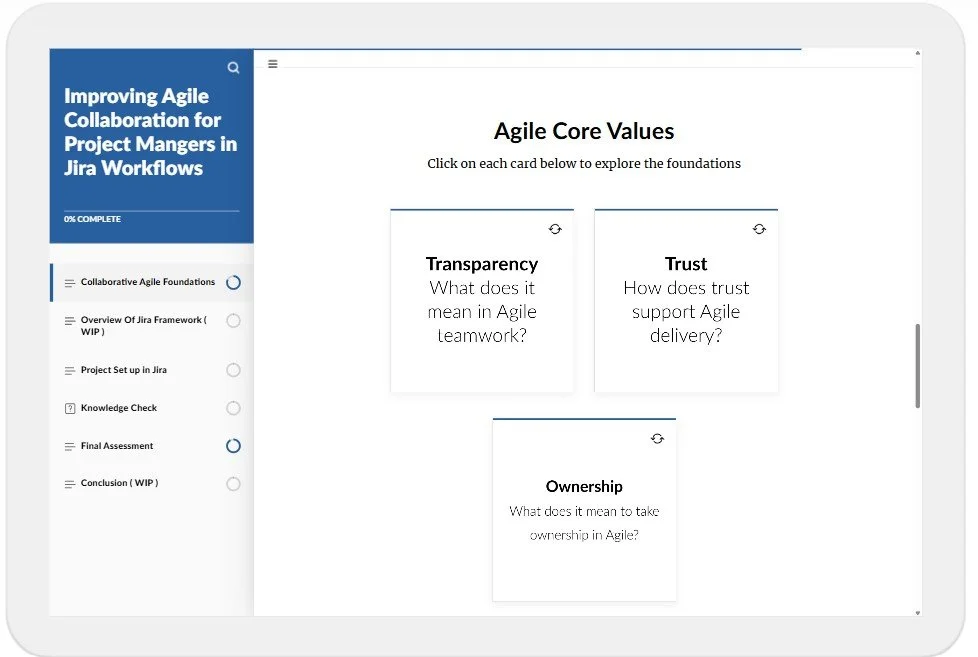
To maximize relevance, I presented content through scenario-based learning, allowing PMs to make decisions in simulated Jira environments. Infographics and labeled graphics explained workflows, while short AI-generated videos demonstrated collaborative behaviors in action. Each lesson relied on micro-interactions—flip cards, drag-and-drop, knowledge checks—to reinforce recall and ensure engagement.
Assessments & Knowledge Checks

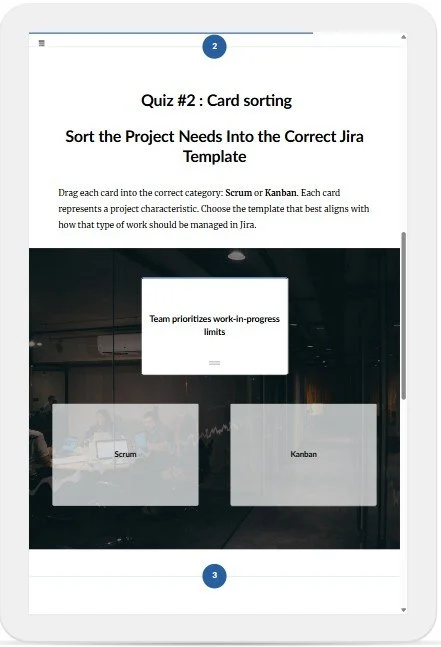
To reinforce learner understandings, I created a mix of formative and summative assessment utilizing the following assessment types:
Multiple-choice questions for conceptual understanding
Card sorting activities to categorize agile values and collaboration behaviors
Matching and drag-and-drop interactions to reinforce Jira configuration steps
Scenario-based multimedia decision-making tasks to apply principles in context
These assessments aligned directly with LO1–LO3 and reinforced skill application rather than memorization.
Conclusion & Next Steps
This project resulted in a transformative learning experience that equips project managers to use Jira as a collaborative tool rather than a control mechanism. The combination of scenario-based learning, micro-interactions, and multimedia support enables learners to practice new skills in a safe environment while strengthening agile mindsets.
The next step is to conduct learner surveys, review behavioral analytics inside Jira, and gather qualitative feedback from Agile Coaches to measure real-world adoption. These insights will guide iterative improvements, ensuring the course remains relevant, effective, and aligned with evolving team needs.